Drag and drop PDF here or click to select
 Your uploaded files are processed securely. Learn more in our
privacy policy
.
Your uploaded files are processed securely. Learn more in our
privacy policy
.
Select unwanted pages/images from PDF and remove it.

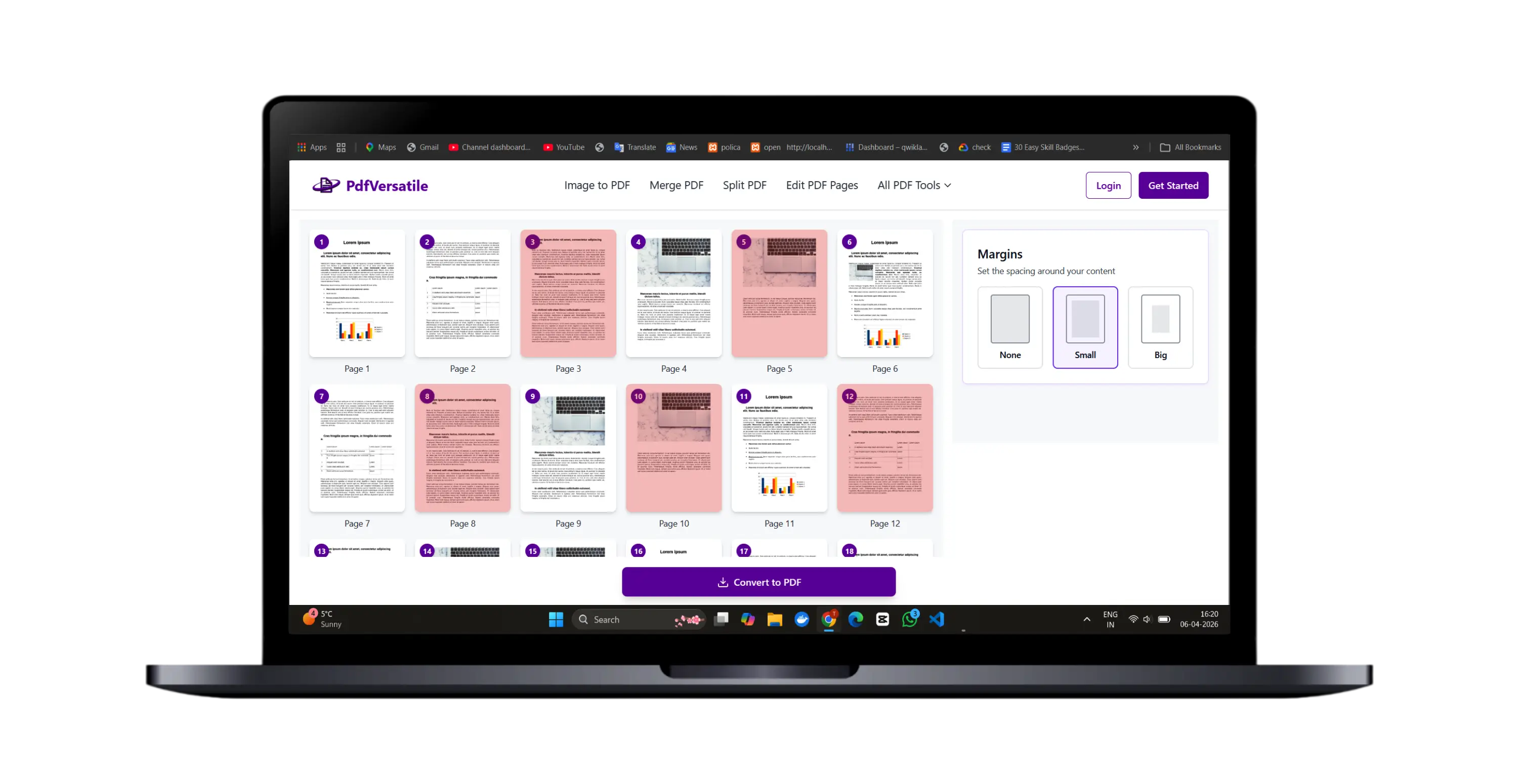
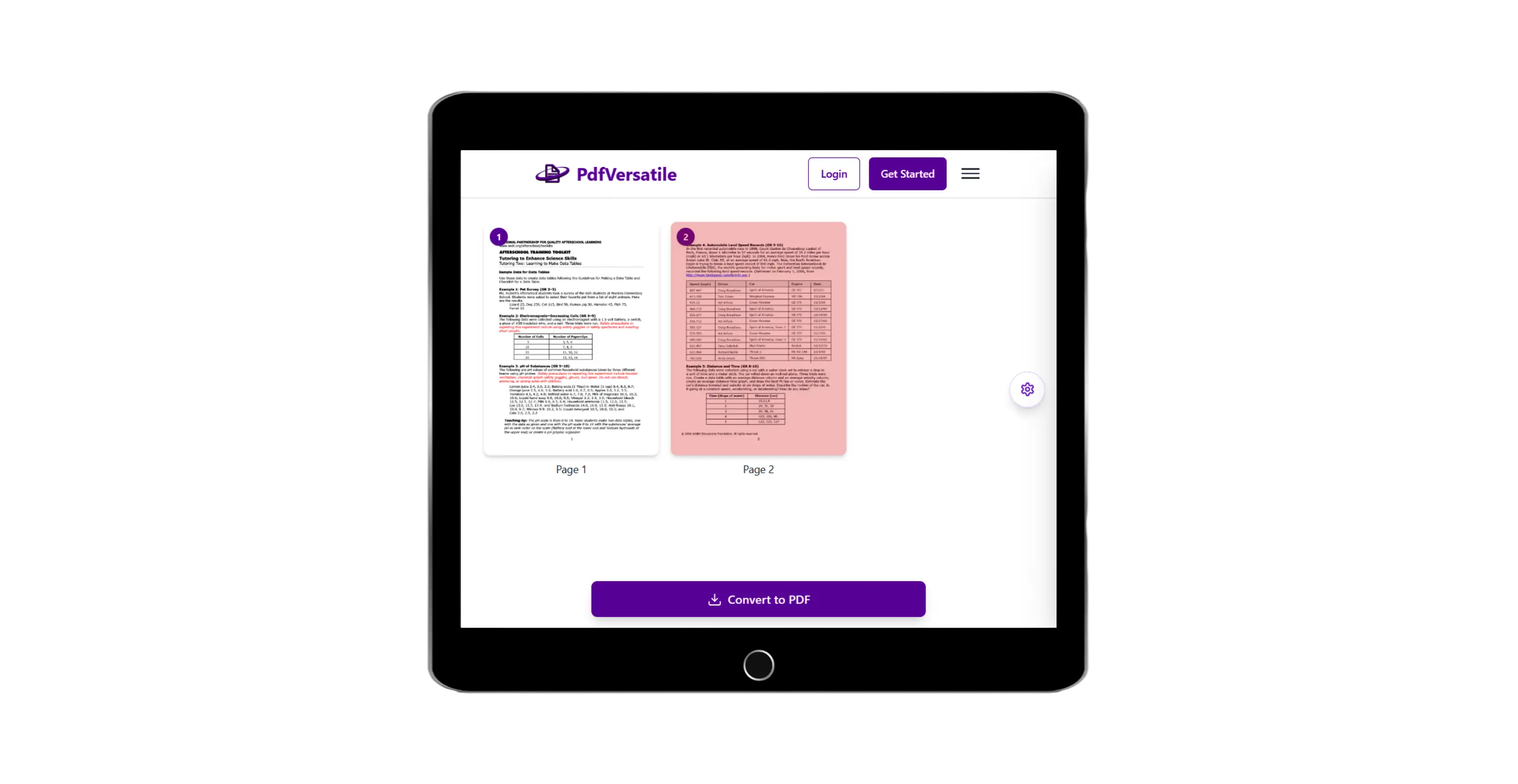
After loading PDF pages select unwanted pages from that PDF.

In advance setting set margin to PDF pages.

Remove unwanted pages in few moment and you'll able to download or preview output.
How to use Remove images/pages from PDF Tool

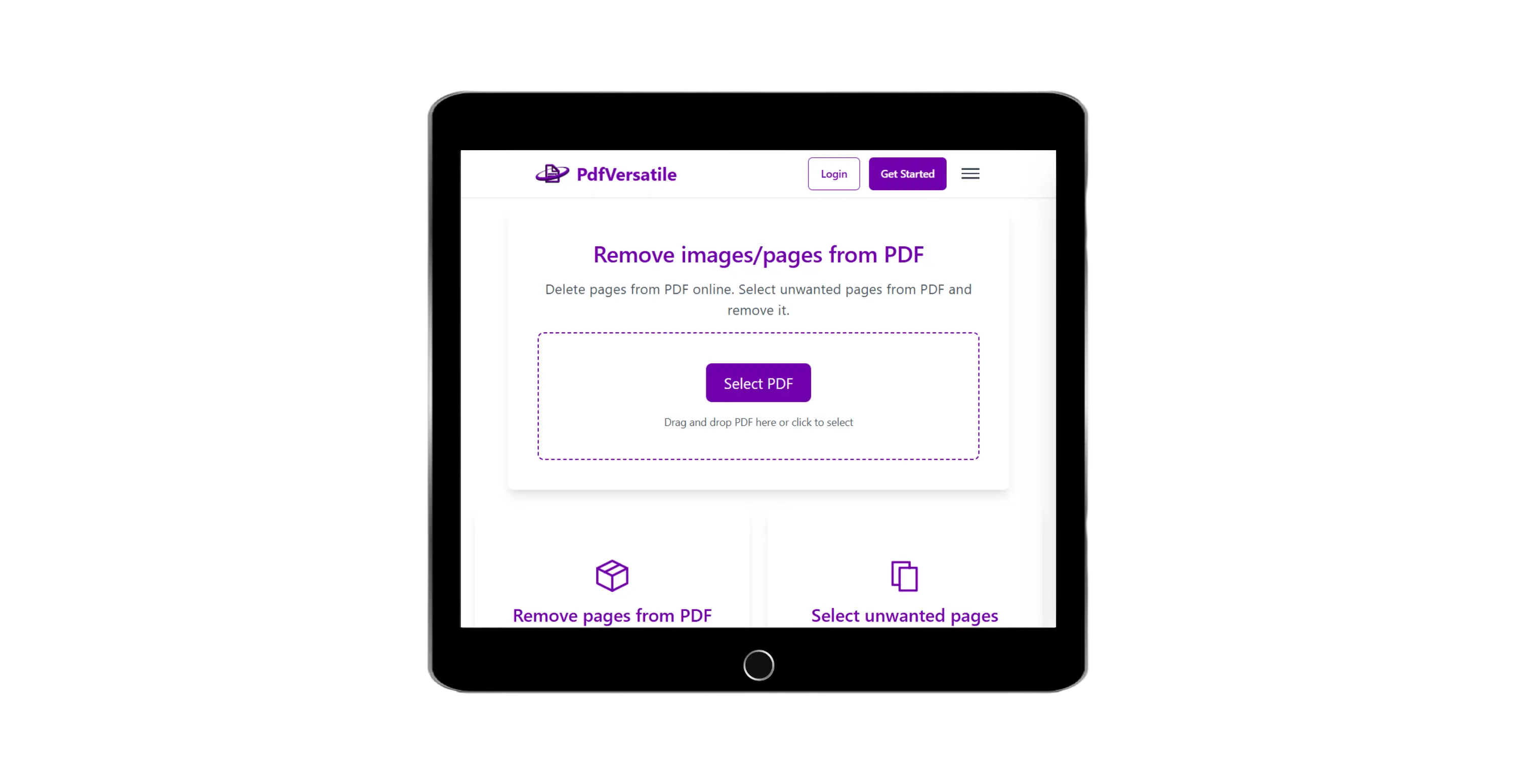
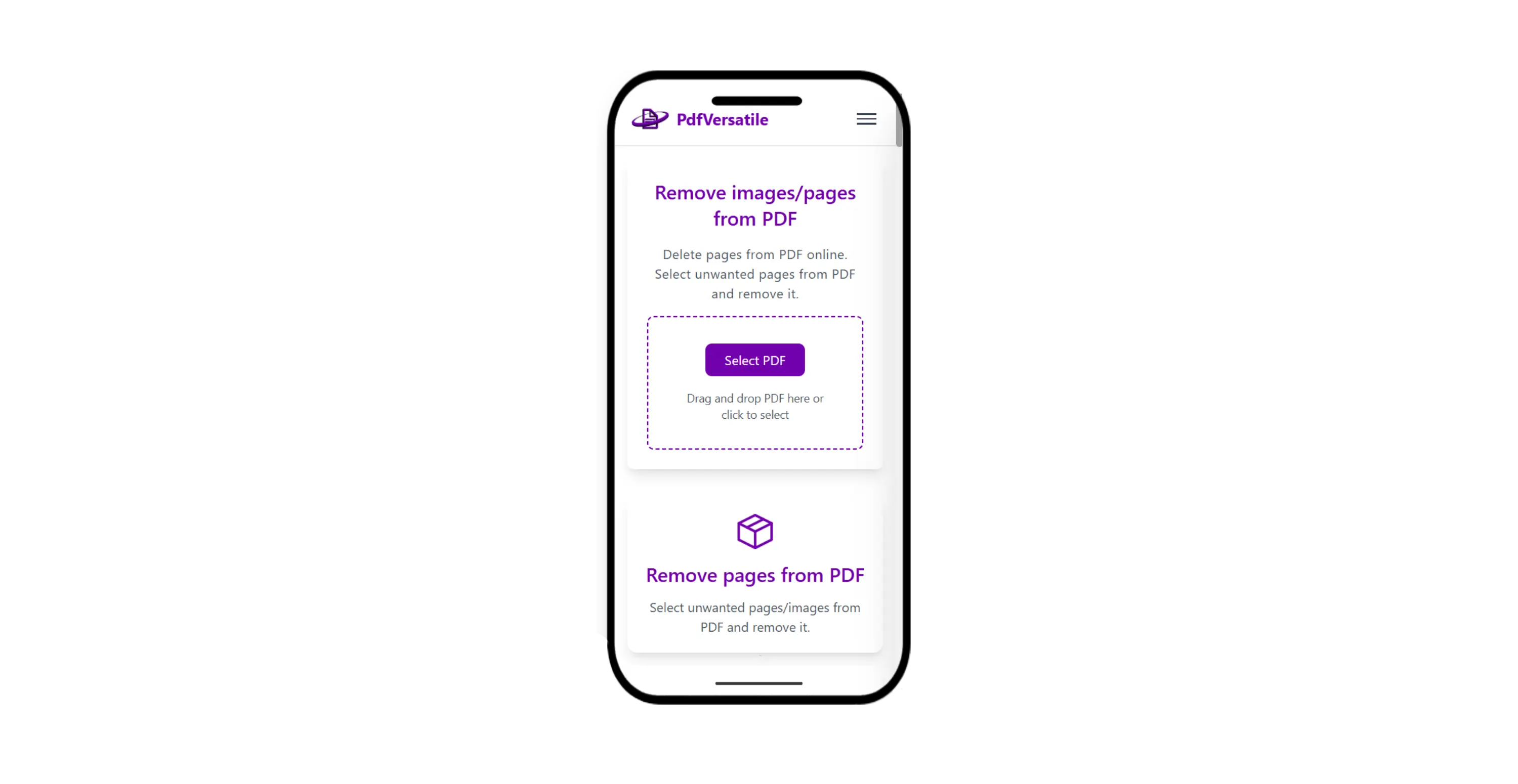
Select PDF file by clicking the button or drag & drop in order to remove pages from PDF file.
After loading PDF pages you can select unwanted pages from that PDF also can set margin to pages. Set everything and hit the Convert to PDF button.


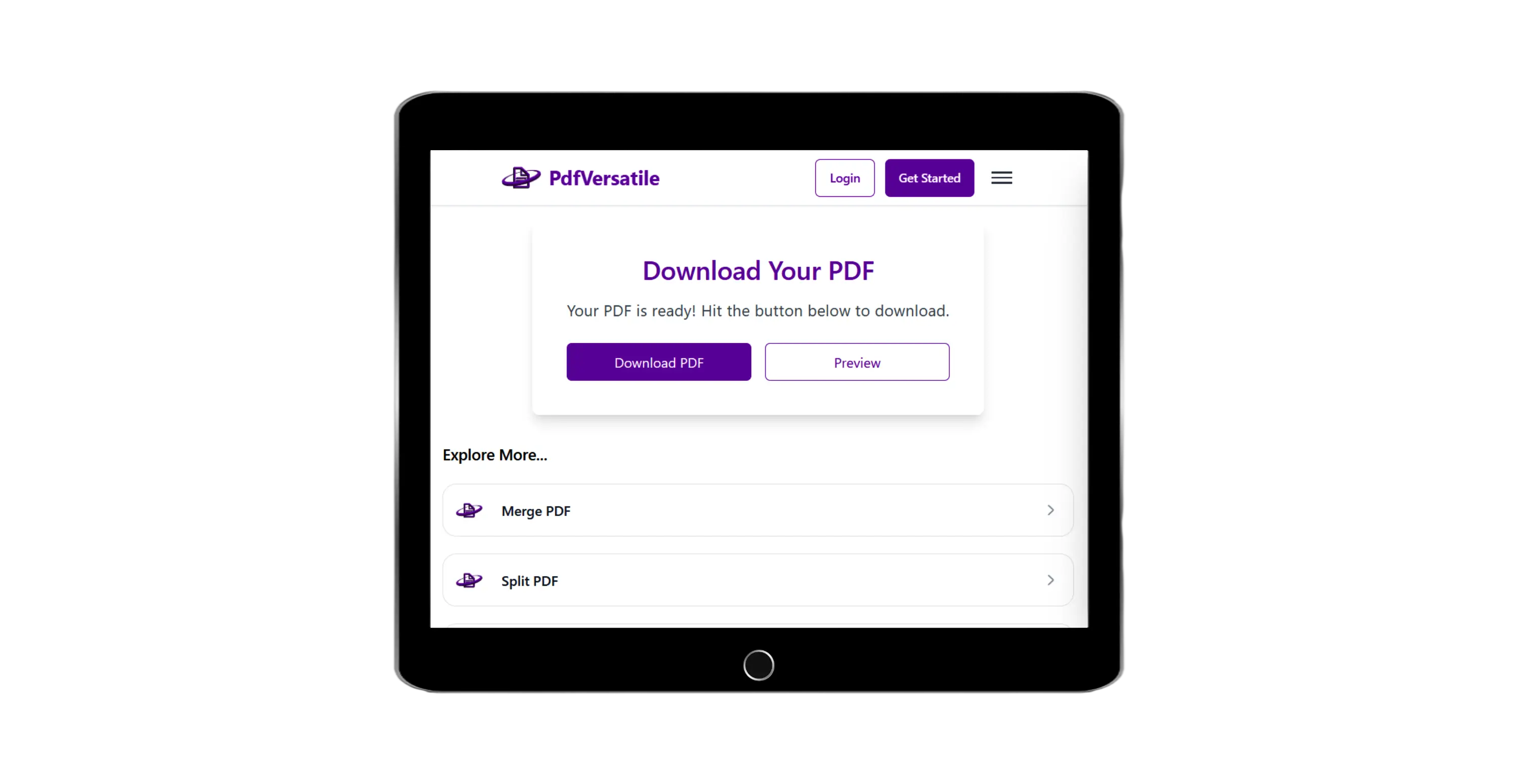
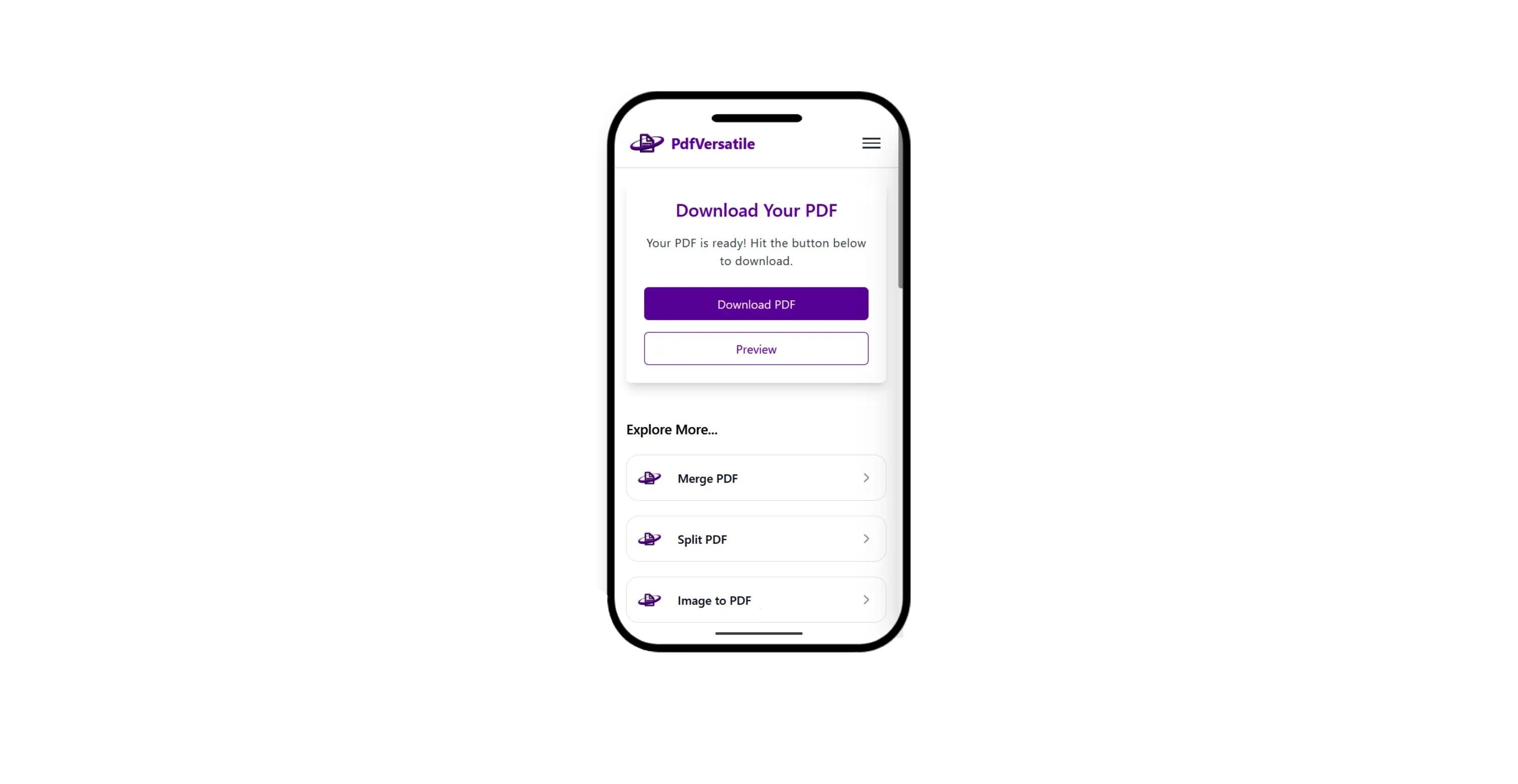
Wait a moment and you will have download page where you can preview or download final PDF.
What People Frequently Ask
This tool is very easy with attractive interface. In order to remove unwanted images/pages from PDF just follow few steps.
We support maximum PDF file size up to 20 MB.
we support only one PDF file to remove pages at once.
Explore More Tools
Join Assignments, Notes & Study Material, Application Documents, Legal Documents and other PDFs For free.
Split PDF into multiple files without signup required.
Convert Handwritten Notes, Notebook Pages, Printed Notes, Whiteboard, Scanned Notes to PDF for Free.
Create fillable PDF free. Add shapes, text, images or draw, highligh on PDF page.
Rotate PDF pages online. Select the rotation you want and get rotated PDF.
Insert page number to PDF with formats like numerical, roman, full page count etc.
Add Forgotten Notes, Scanned Documents, ID Proofs, Receipts, Signatures, Photographs, and other JPG files to PDF For free.
Add text or image watermark to your PDF.
Convert word to PDF or merge word documents into single PDF.
Convert Excel to PDF online or merge them into single PDF.
Convert PowerPoint presentations into PDF.
Convert OpenDocument Text to PDF online.
Convert website URL to PDF online free.
Extract PDF pages online in image or PDF format.
Compress PDF files without losing quality.
Secure your PDF with password protection.
Remove password protection from PDF files.
Linearize PDF file for fast web view.
Extract all images from PDF file for free.