Drag and drop PDFs here or click to select
 Your uploaded files are processed securely. Learn more in our
privacy policy
.
Your uploaded files are processed securely. Learn more in our
privacy policy
.

PDF linearization for fast web view.

Linearize multiple PDF files at once.

In advance setting you can merge them into single PDF.

Linearize PDF files in few clicks & download the zip file.
How to use Linearize PDF Tool
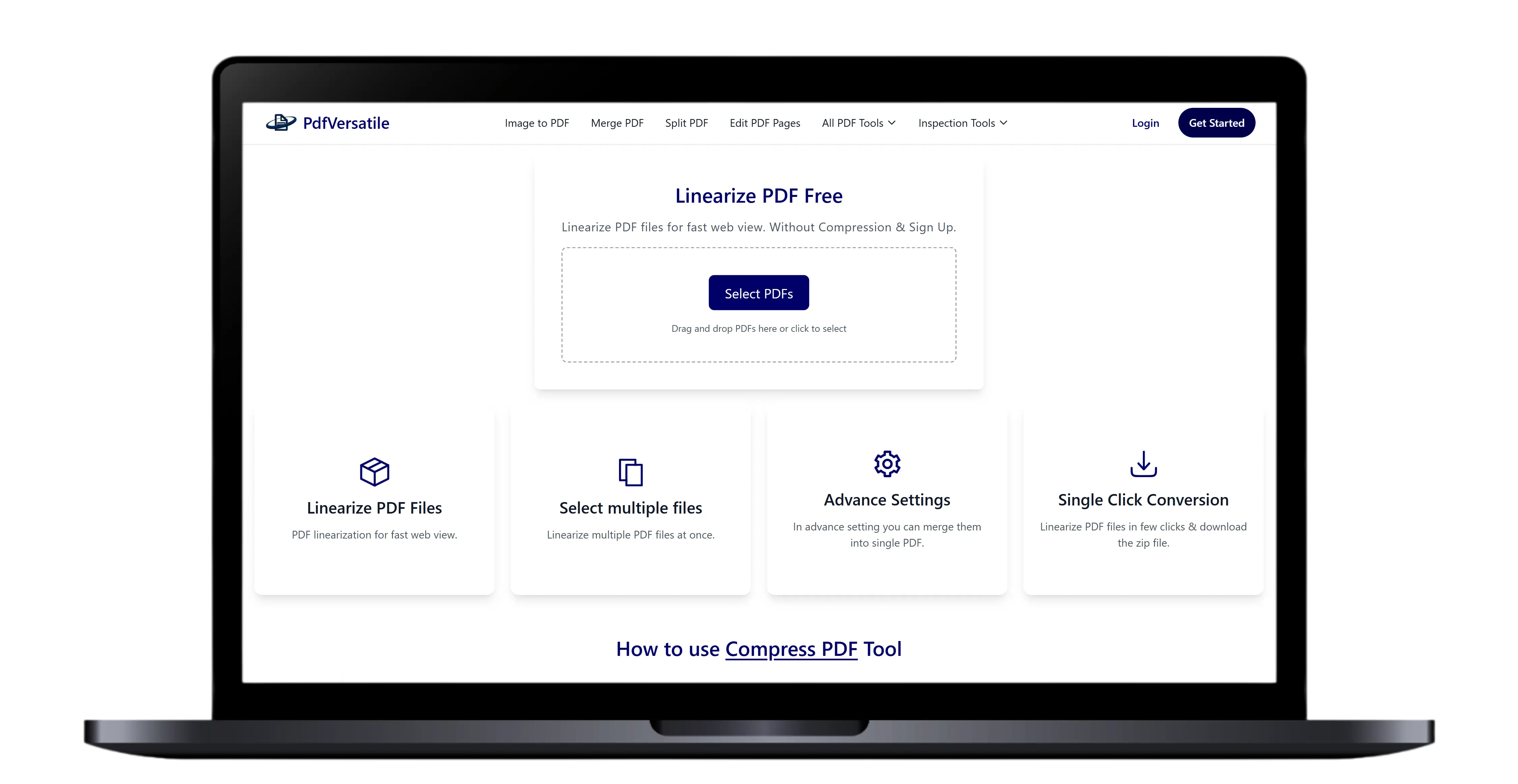
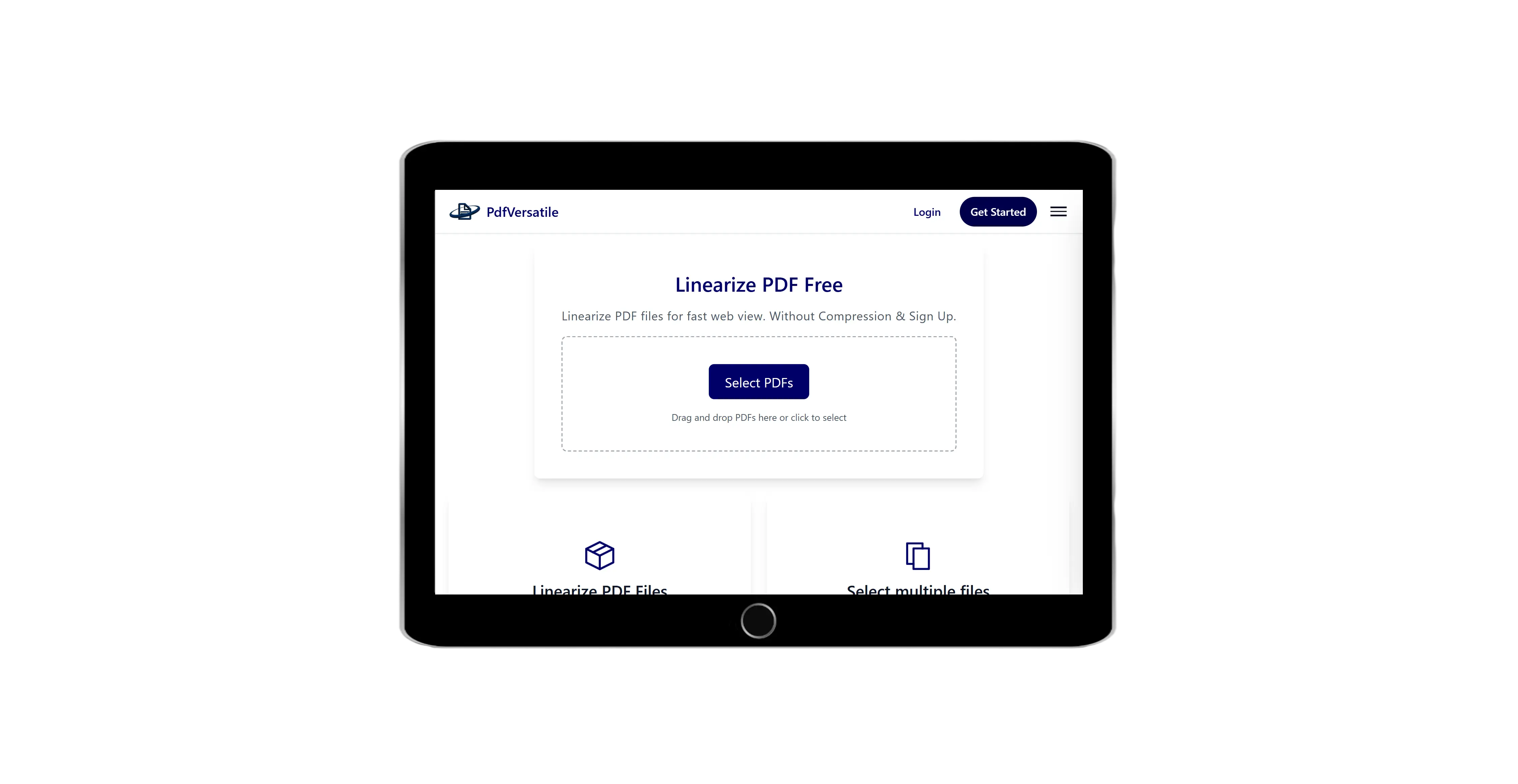
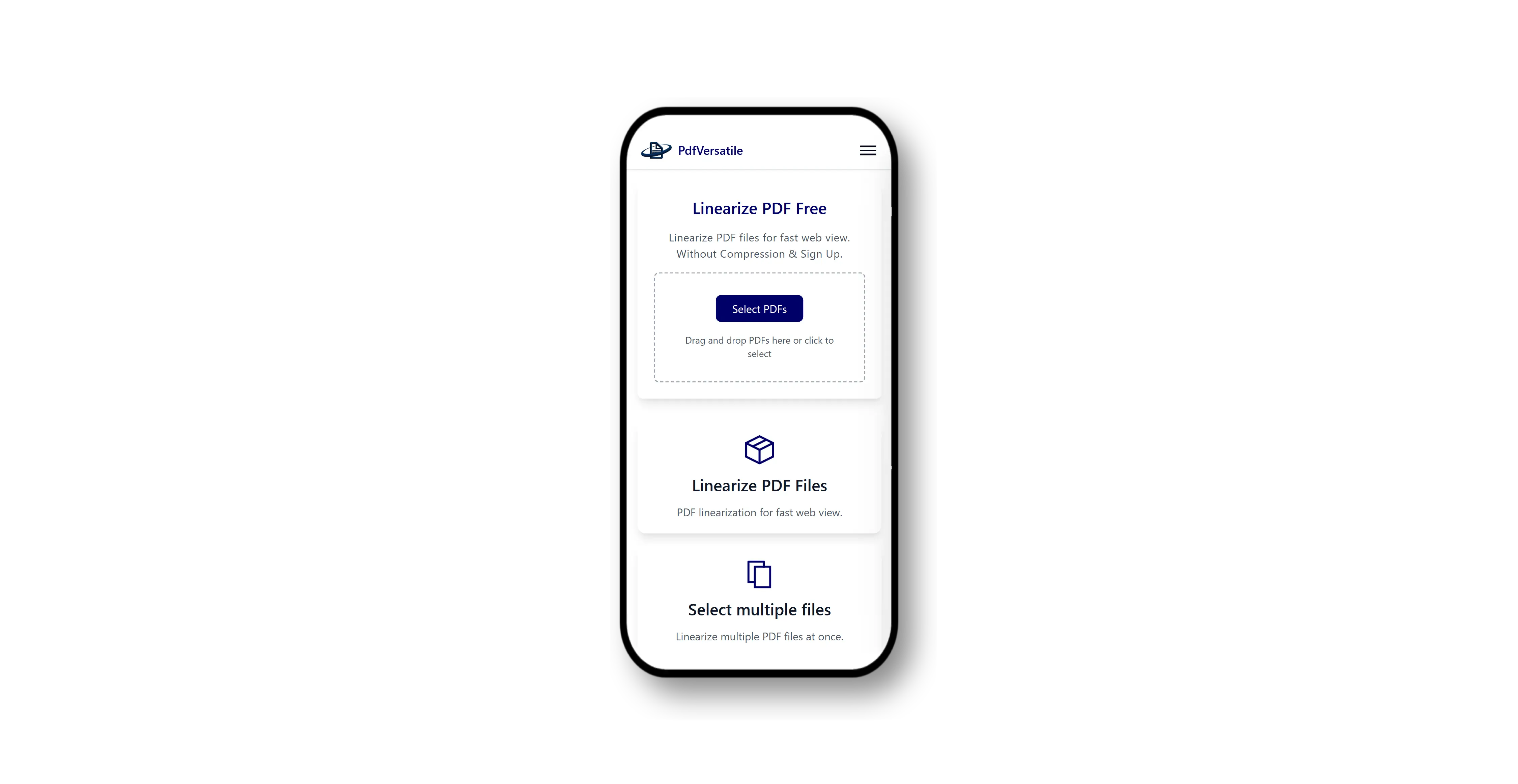
Select PDF file by clicking the button or drag & drop in order to linearize PDF files.
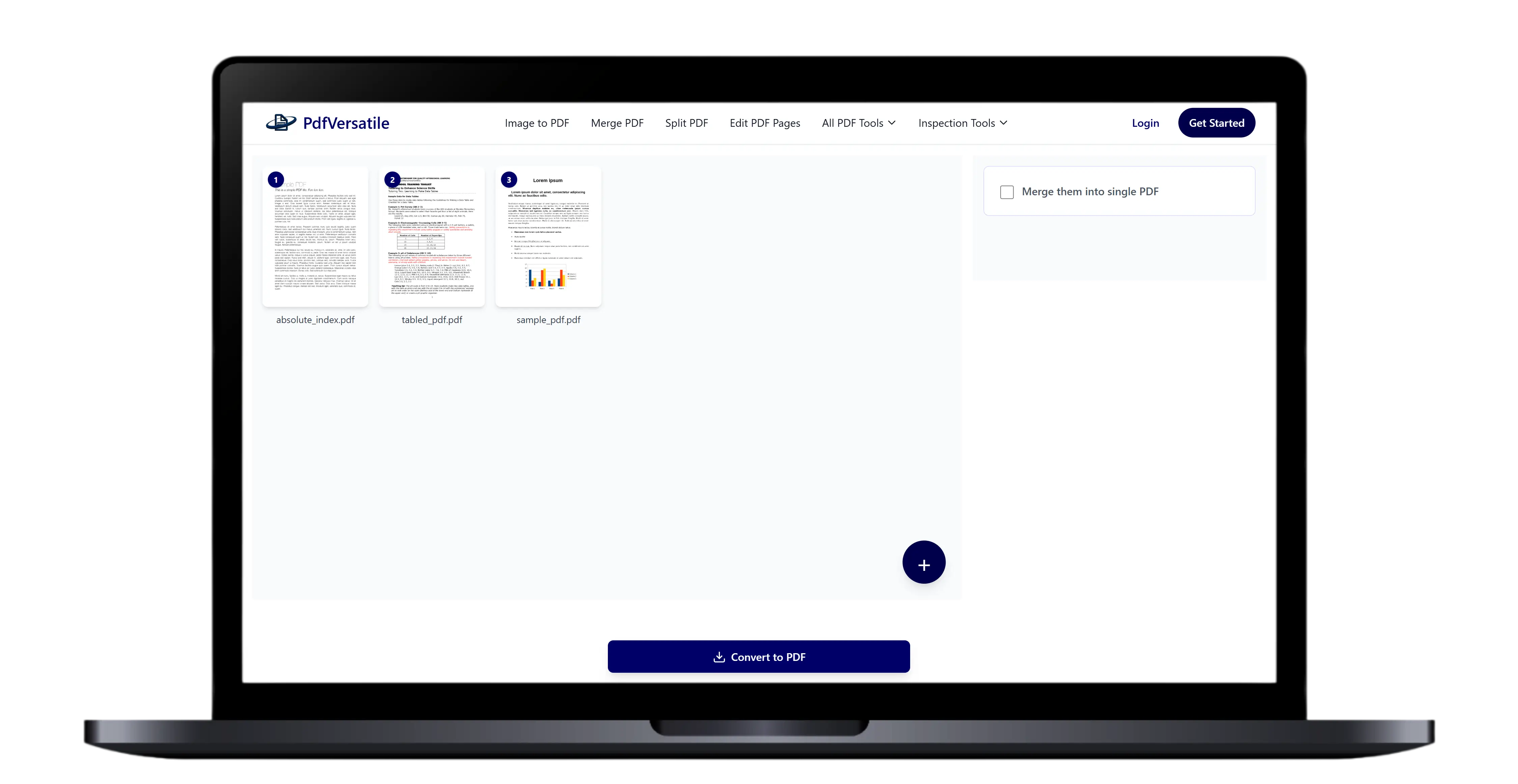
After selecting PDF files you can merge them into single PDF after linearization. After setting up everything hit the Convert to PDF button.
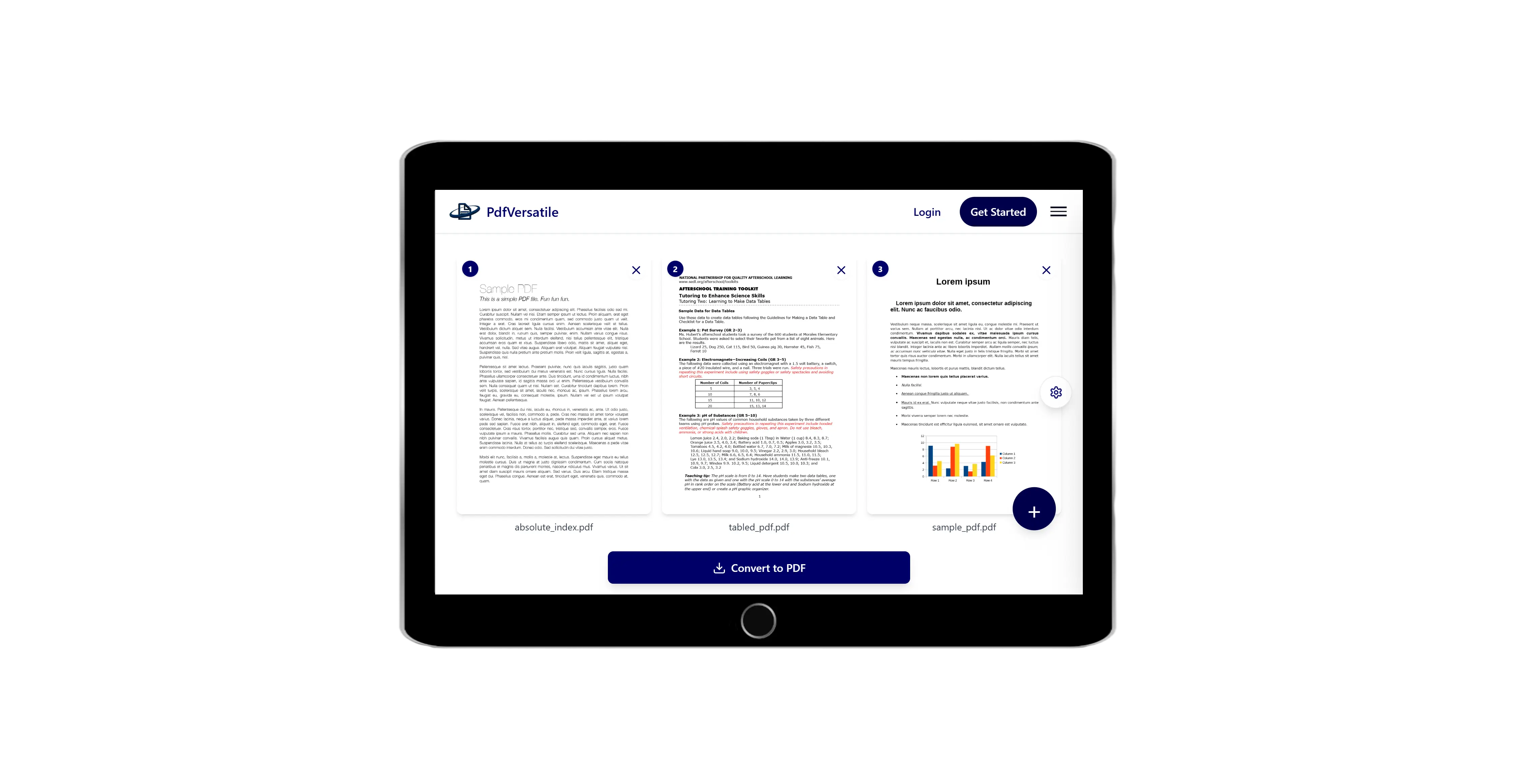
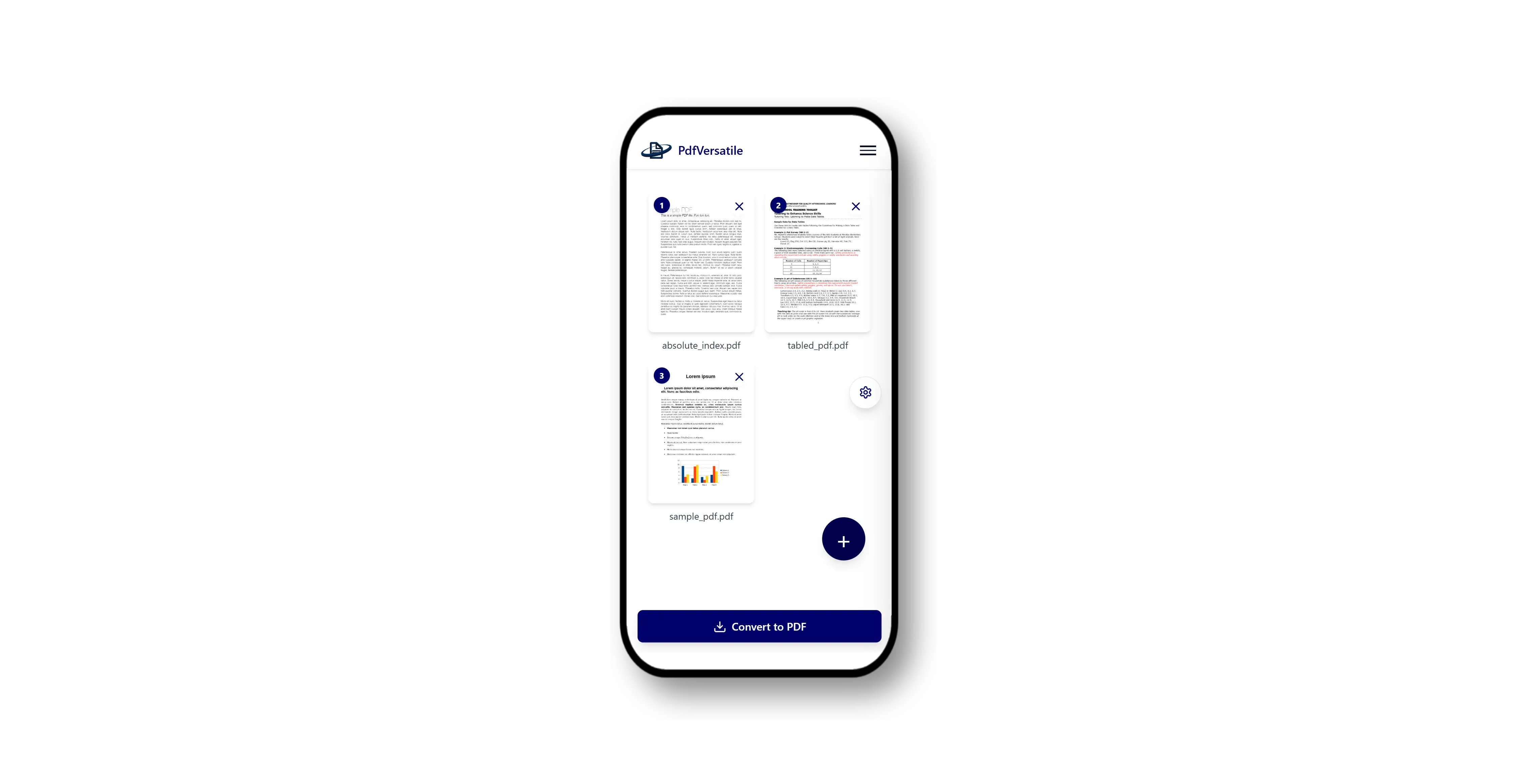

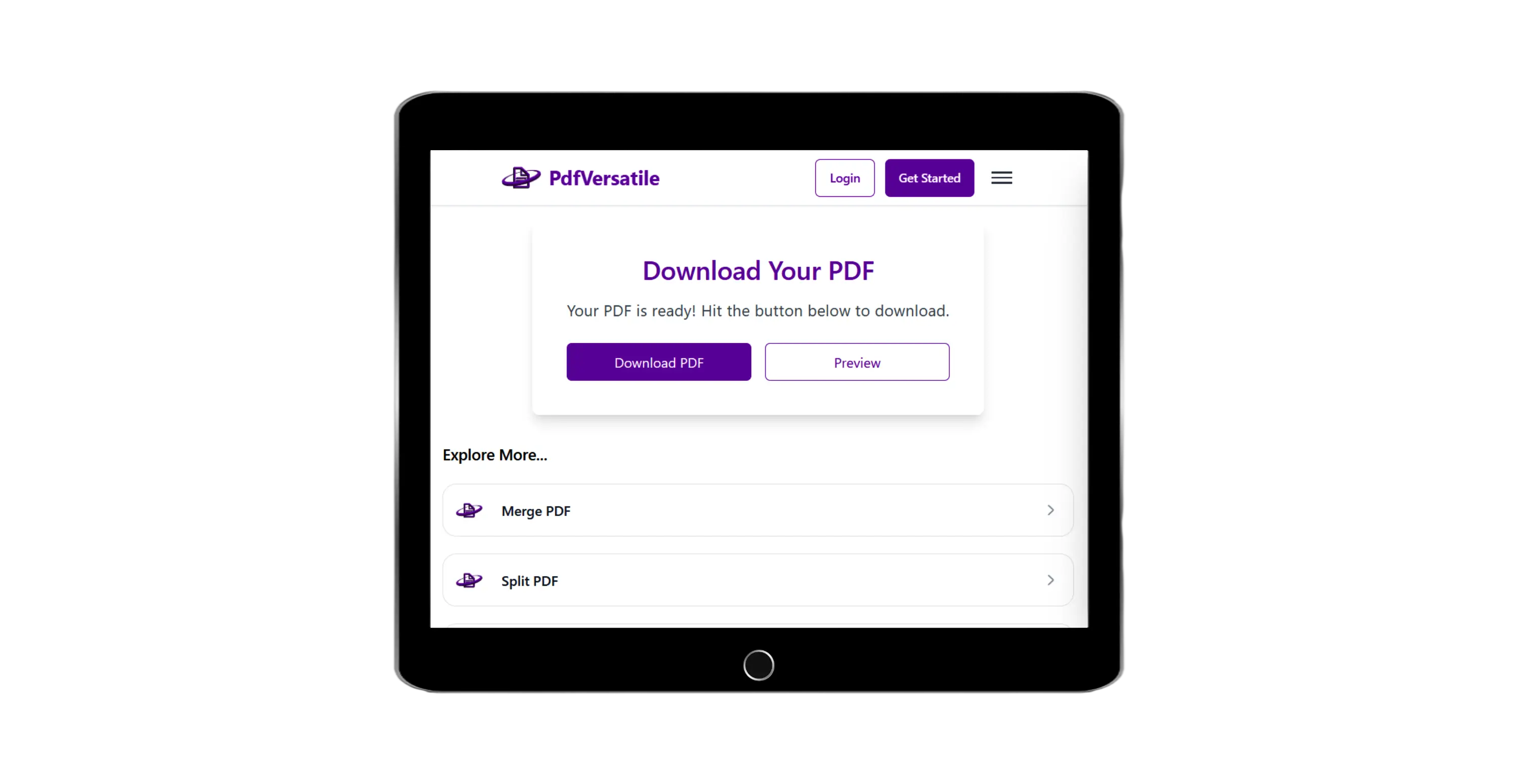
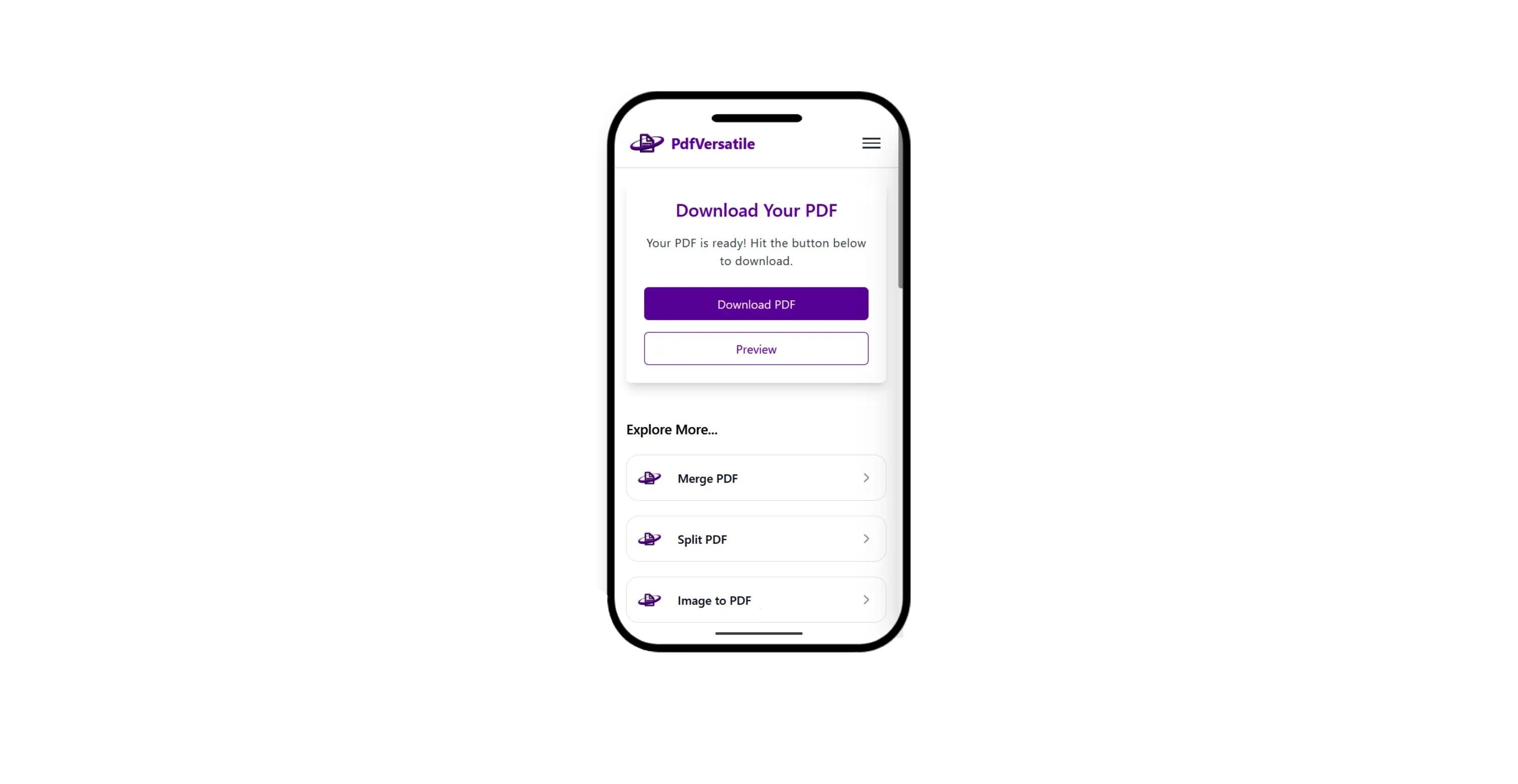
Wait a moment and you will be redirected to download page where you can download linearized PDF files in zip format.
What People Frequently Ask
This tool is very easy with attractive interface. In order to linearize PDF files just follow few steps.
We support maximum PDF file size up to 20 MB.
we support 3 PDF files to linearize at once.
Explore More Tools
Join Assignments, Notes & Study Material, Application Documents, Legal Documents and other PDFs For free.
Split PDF into multiple files without signup required.
Convert Handwritten Notes, Notebook Pages, Printed Notes, Whiteboard, Scanned Notes to PDF for Free.
Create fillable PDF free. Add shapes, text, images or draw, highligh on PDF page.
Rotate PDF pages online. Select the rotation you want and get rotated PDF.
Insert page number to PDF with formats like numerical, roman, full page count etc.
Add Forgotten Notes, Scanned Documents, ID Proofs, Receipts, Signatures, Photographs, and other JPG files to PDF For free.
Remove unwanted images/pages from PDF in few clicks.
Add text or image watermark to your PDF.
Convert word to PDF or merge word documents into single PDF.
Convert Excel to PDF online or merge them into single PDF.
Convert PowerPoint presentations into PDF.
Convert OpenDocument Text to PDF online.
Convert website URL to PDF online free.
Extract PDF pages online in image or PDF format.
Compress PDF files without losing quality.
Secure your PDF with password protection.
Remove password protection from PDF files.
Extract all images from PDF file for free.